


SUBTOTAL:
$0.00




News
How to Personalize Your Gaming Environment: Tips for Ideal Gaming Space
John BeaverA personalized gaming environment supports comfort, focus, and consistency across long sessions. Choosing the right gaming desk is a big part of learning how to personalize your gaming environment, helping create a space that feels comfortable to use, easy to manage, and suited to the way you play. Whether gaming is your main hobby, a competitive outlet, or a way to unwind after work, the setup around your desk has a real impact on how enjoyable each session feels.
A setup that works well is built around movement, posture, and day-to-day usability first. After that, you can shape the vibe with lighting, accessories, and styling choices that suit how you play. With a few smart decisions around layout, furniture, and cable control, your space can look cleaner and feel better to use.
Plan Your Layout Around Desk and Natural Movement

The desk is the center of your gaming environment, so layout planning should start there. Before upgrading gear, look at how your space works during play. Notice where movement feels restricted, where cables get in the way, or where you tend to lean forward without meaning to.
Start with space and flow
Aim for a layout that lets you sit down, stand up, and roll your gaming chair without bumping into furniture. It also helps to place the desk with power and internet access in mind, so cables do not need to run across walkways or stretch awkwardly behind your setup.
Desk size and shape should match both your room and your equipment. A deeper desktop helps you keep monitors at a comfortable distance, while a clean, straight desk can suit smaller rooms. If your setup also doubles as a workspace, an adjustable sit-stand desk gives you the option to change posture without rebuilding the whole area.
A good layout also makes quick adjustments easy. Switching from keyboard to controller, repositioning a microphone, or turning a second screen for chat should feel simple.
Position Your Monitor, Peripherals, and Chair For Comfort
Comfort and performance depend heavily on alignment. Even great gear feels frustrating when it is positioned poorly, especially during longer sessions.
Screen and input placement
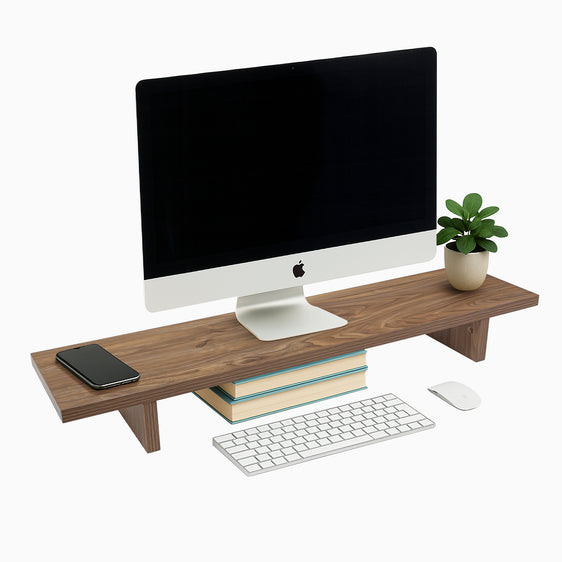
Your primary monitor should sit directly in front of you, with the upper portion of the screen close to eye level. This helps reduce neck strain and keeps attention centered. If you use a second screen, angle it slightly to the side for chat, music, or reference content, so you are not constantly twisting your neck.
Keep your keyboard and mouse aligned with your body rather than the desk edges. Relaxed shoulders and neutral wrists are a strong baseline for long sessions. Controllers are best kept within reach but off the main work area so the desk stays clear.
Chair setup and posture
A supportive chair helps you maintain posture without thinking about it. Feet should sit flat on the floor or a footrest, and the lower back should feel supported. If your desk height forces shoulder tension or wrist strain, adjusting desk height is often more effective than trying to “sit differently”.
{{ spec_vanguard_chair }}
If you want a cleaner surface and more flexible monitor positioning, a monitor arm can also help by freeing up desk space and allowing finer screen adjustment.
Set the Atmosphere With Lighting that Supports Gaming focus
Lighting shapes how a gaming environment feels, both visually and physically. RGB lighting can personalize the space, but it works best when it supports focus rather than pulling attention away from the screen.
Use RGB lighting to reduce strain
Indirect lighting behind your monitor can soften contrast, particularly in darker rooms. Under-desk lighting can add depth and help define the gaming zone without adding glare. Shelf or wall lighting can reinforce a theme and balance the room visually.
To keep the setup comfortable, avoid placing lights where you can see the LED points directly while seated. A consistent color approach usually looks cleaner on camera too, which matters if you stream or jump on calls at the same desk.
A simple approach is often the best:
- One accent colour for personality
- One neutral tone for balance
- Lower brightness for long sessions
Choose Gaming Furniture and Storage That Keep the Setup Organised
Gaming furniture should support daily use, not just look good. Stability, airflow, and storage do a lot of heavy lifting in how the setup feels over time.
Practical furniture choices
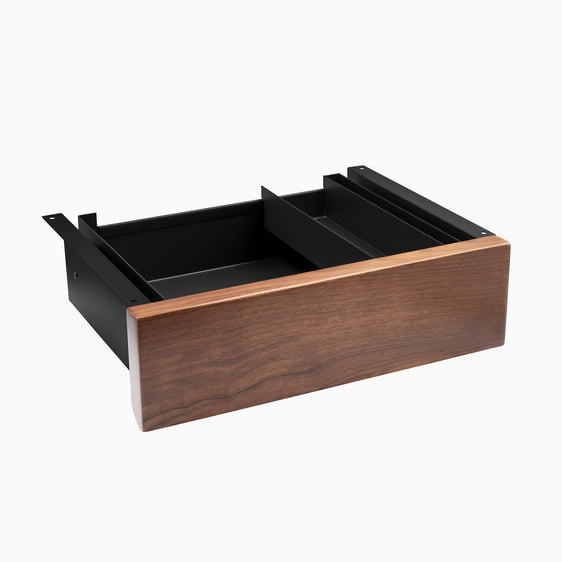
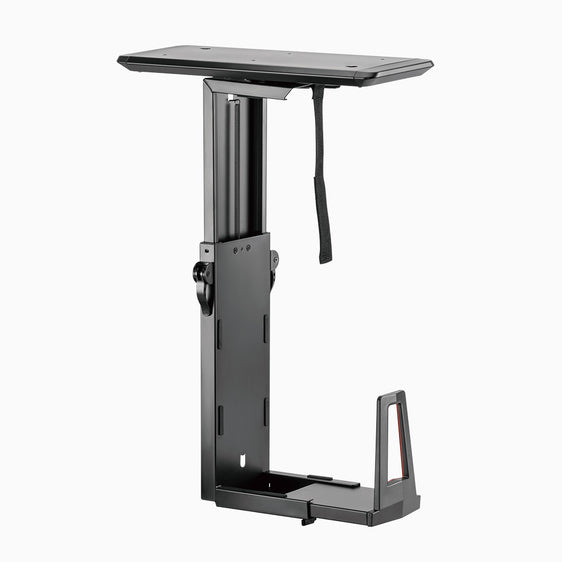
A stable desk reduces vibration during fast mouse movement and typing. Storage options like drawers or shelving help move spare cables, tools, and accessories off the desktop while keeping them easy to access. Your PC tower and consoles should also have enough clearance for airflow, especially during warmer months.
{{ spec_cable_kit }}
Cable management makes a big difference to both function and appearance. It is easier when you treat it as part of the setup, not a finishing touch. Under-desk trays and cable organisers help keep power boards and wires contained, which reduces desk clutter and makes cleaning and upgrades simpler.
A few simple wins:
- Mount a power board in a safe, hidden spot rather than leaving it loose on the floor
- Route cables along the rear edge of the desk so they do not hang into leg space
- Secure slack cable length so cords do not drift onto the desktop
Add Personality Through Accessories, Décor, and Simple Habits
Once the foundation is set, personal touches make the space feel like yours. The best accessories support how you play while keeping the desk usable.
Keep accessories purposeful
A small number of practical add-ons usually has the strongest impact:
- A headset stand or hook to keep the desk clear
- A controller dock so devices stay charged and easy to find
- A microphone arm if you use voice chat or streaming
Decor can work well too, as long as it does not crowd your main work zone. Limiting display items to one or two areas helps the space look intentional instead of busy.
A short reset routine helps your setup stay functional. Putting gear back in place, wiping the surface, and checking cable positions takes only a few minutes and keeps the gaming area ready for the next session.
Ready to Refine Your Gaming Setup?
If you are upgrading your gaming environment, start with a desk that suits your space and supports comfortable posture. Desky offers gaming desks and adjustable sit-stand desks, along with monitor arms and cable management accessories to help you build a cleaner, more flexible setup that stays organized as your gear changes.

You may also like

Which Lighting with Lamps Is Best for Your Space?
The way you light your workspace shapes how it feels to use every day. It affects comfort, focus, scre...
Jun 03, 2026

How to Position Your Desk Lamp for Reduced Glare on Your D..
A good desk lamp can make long work sessions easier on your eyes, but placement matters just as much a...
May 28, 2026

Your Complete Guide to Desk Lamp Features and Choosing the..
A smart desk lamp can change the way your workspace feels and functions. Good lighting helps you stay ...
May 27, 2026

How to Reduce Eye Strain with Desk Lamp
If your eyes feel sore, dry or tired after a few hours at your desk, your lighting setup may be part o...
May 21, 2026