


SUBTOTAL:
$0.00




News
Desk Layout Ideas for Gaming Comfort and Long Sessions
John BeaverA well-planned gaming desk layout plays a major role in comfort, focus, and consistency during long sessions. As gaming spaces increasingly overlap with home offices and study areas, desk design needs to support posture, movement, screen positioning, and organisation while still fitting the overall room layout. Desk layout ideas for gaming comfort focus on how the desk, chair, screens, and accessories work together as one system. When these elements are aligned, the setup feels easier to use and less tiring over time. This page breaks down practical ways to plan a gaming desk setup that supports comfort, efficiency, and everyday usability without unnecessary clutter.
Planning a Gaming Desk Layout That Supports Comfort
Comfort starts with how the desk fits your body and the room. Desk size, depth, and placement all influence how naturally you sit, reach, and move during gaming.
A desk with enough depth allows monitors to sit at a comfortable viewing distance while still leaving room for keyboard and mouse movement. Shallow desks often force screens too close to the eyes, which can lead to neck tension and visual fatigue. Width matters as well, especially for players using low mouse sensitivity or multiple monitors.
Desk height should allow your forearms to rest parallel to the surface with elbows close to your sides. When the desk is too high or too low, shoulders tend to lift or slump, which affects comfort over time. Adjustable desks make it easier to fine-tune this position for different users or activities.
Placement within the room also affects comfort. Positioning the desk away from direct glare helps reduce eye strain, while leaving space behind the chair allows for movement and airflow. In shared rooms, a clean desk layout makes it easier to transition between gaming, work, and everyday tasks without constant rearranging.
Ergonomic Gaming Desk Setups for Longer Sessions
Ergonomic gaming focuses on supporting the body during extended use rather than reacting to discomfort after it appears. The desk and chair work together to support posture, circulation, and natural movement.
A height-adjustable gaming desk allows players to change the height based on seating position or personal preference. Standing desks offer flexibility by allowing users to alternate between sitting and standing, which helps reduce stiffness in the lower back and shoulders during longer sessions. Even short standing breaks can make a noticeable difference in how the body feels later in the day.

Chairs should provide adjustable seat height, back support, and arm positioning. A well-fitted chair keeps the spine aligned and reduces pressure on wrists and elbows. Armrests should support the arms without pushing them upward or forcing them outward.
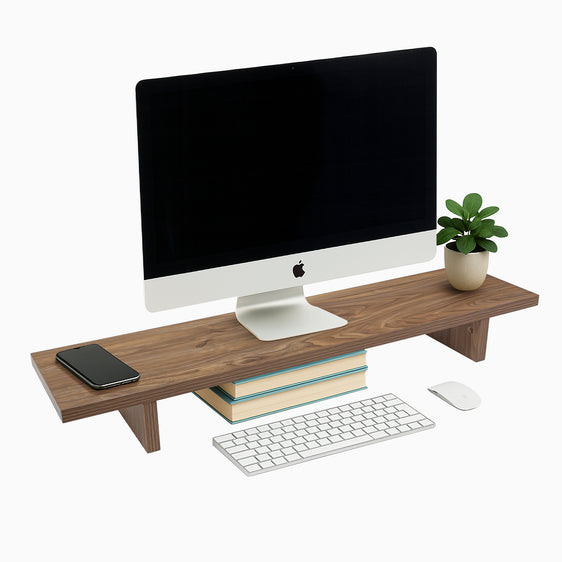
Monitor positioning is another important factor. Screens should sit at or just below eye level, with the top of the display not forcing the neck to tilt upward. Monitor arms make it easier to adjust height, angle, and distance, especially in multi-monitor setups. When screens are positioned correctly, players can maintain focus without unnecessary strain.
Organising Your Gaming Desk for Smoother Workflow
Organisation plays a direct role in how a gaming setup feels during use. When the workspace is cluttered, focus is easier to lose, while a tidy layout keeps equipment accessible and interactions smooth throughout longer sessions.
Keep Cables Out of the Way
Cable management is often the most effective starting point. Routing cables through trays, clips, or grommets helps keep them out of sight and prevents tangling around feet and hands. Clear cable paths also make the setup easier to clean and adjust, especially as new devices or accessories are added over time.
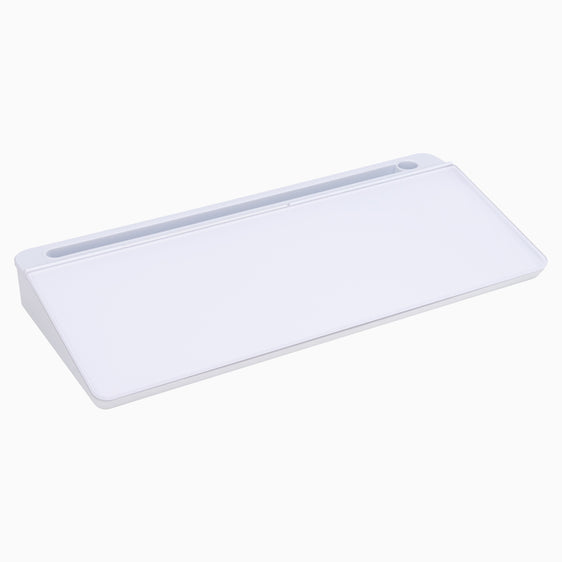
{{ spec_integrated_channel }}
When cables are managed well, the workspace feels calmer and easier to work within, reducing small interruptions that can break concentration.
Use Accessories to Free Up Surface Space
Accessories such as headset hooks, controller mounts, and under-desk storage help free up surface space without pushing equipment out of reach. This becomes especially useful for players who switch between keyboard, controller, and console setups during a single session.
Keeping frequently used items stored but accessible supports a smoother workflow and prevents the main work area from feeling crowded.
Arrange Screens for Comfortable Viewing
For multi-monitor gaming, screen placement has a strong impact on comfort and awareness. Positioning the primary monitor directly in front of the user, with secondary screens angled slightly inward, helps maintain a natural viewing position. Keeping screen heights aligned reduces unnecessary head movement and supports steadier visual focus during play, particularly in longer sessions.
A well-organized desk setup supports smoother gameplay and limits distractions, helping longer sessions feel more controlled and easier to manage.
Lighting and Visual Design for a Comfortable Gaming Room
Lighting plays a major role in both comfort and atmosphere. Poor lighting can cause eye fatigue, while balanced lighting supports focus and visual clarity.
Ambient lighting behind monitors helps reduce contrast between the bright screen and the surrounding room. This makes extended gaming sessions easier on the eyes, especially in low-light environments. Soft background lighting also helps define the desk area within a larger room.
RGB lighting adds visual interest when used thoughtfully. Light strips placed behind desks, shelves, or monitors create depth without cluttering the desk surface. Keeping colors subtle rather than overly bright helps maintain comfort during long sessions.
Natural light should be managed carefully, as different desk shapes influence how light enters the gaming space. Desks positioned perpendicular to windows tend to avoid direct glare, while adjustable blinds or curtains allow control throughout the day. A balanced lighting setup supports comfort while maintaining a clean and visually cohesive gaming space.
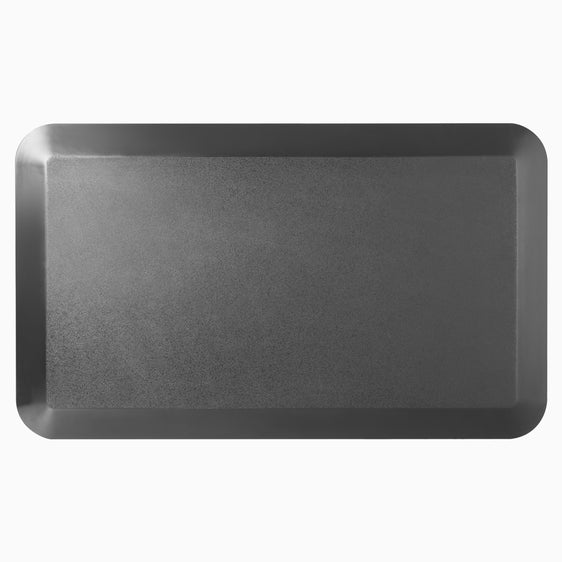
{{ spec_leather_mat }}
Accessories That Improve Gaming Comfort Without Clutter
Accessories should support the setup rather than overwhelm it. The goal is to improve comfort and usability while keeping the desk layout clean and adaptable.
- Monitor arms allow precise screen positioning while freeing up desk space for movement and accessories.
- Desk mats protect surfaces and support smoother mouse movement, which helps with wrist comfort during longer sessions.
- Wrist supports can help maintain neutral hand positioning during extended keyboard or controller use.
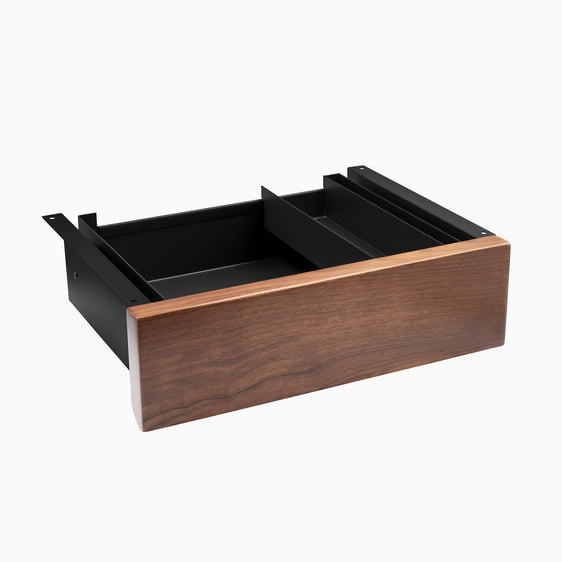
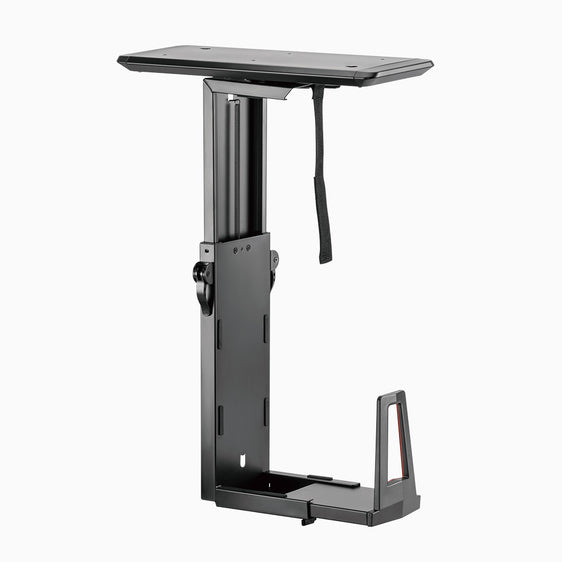
- Under-desk mounts and shelves provide storage for consoles, PCs, and power boards without crowding the workspace, helping keep airflow clear and reducing visual noise.
A comfortable gaming desk setup comes together through thoughtful planning rather than excess equipment. When the desk, seating, screens, lighting, and accessories work together, gaming sessions feel smoother, more focused, and easier to sustain.
Create Your Ideal Gaming Desk Setup with Desky
Comfortable gaming starts with the right desk foundation. Desky designs adjustable desks and workspace solutions that support gaming, work, and everyday use from the same setup. With flexible height options, generous desk surfaces, and accessories designed for organisation and comfort, Desky desks adapt to how you play and work.
If you are planning a new gaming desk layout or upgrading an existing setup, explore Desky’s range of desks and accessories to build a space that supports comfort session after session.

You may also like

Which Lighting with Lamps Is Best for Your Space?
The way you light your workspace shapes how it feels to use every day. It affects comfort, focus, scre...
Jun 03, 2026

How to Position Your Desk Lamp for Reduced Glare on Your D..
A good desk lamp can make long work sessions easier on your eyes, but placement matters just as much a...
May 28, 2026

Your Complete Guide to Desk Lamp Features and Choosing the..
A smart desk lamp can change the way your workspace feels and functions. Good lighting helps you stay ...
May 27, 2026

How to Reduce Eye Strain with Desk Lamp
If your eyes feel sore, dry or tired after a few hours at your desk, your lighting setup may be part o...
May 21, 2026